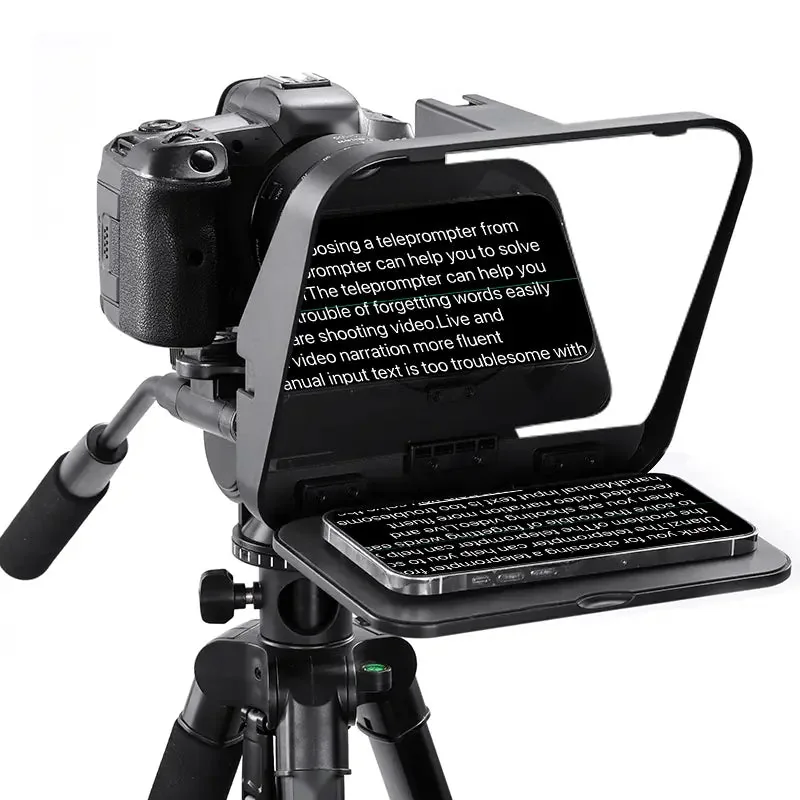
The verdict
The Ulanzi RT02 is the teleprompter to start with if your phone is your prompter. It's light, folds flat, sets up in minutes and costs about as much as a good tripod head. It works on a camera, with a second phone as the camera, or in front of a laptop webcam. Its limits are the ones you'd expect at this price: only five lens rings, a remote that runs on disposable batteries, and a rig that's best supported by its own stand rather than hung off your lens.
| Best for | Solo creators, phone or camera, talking-head videos and courses |
|---|---|
| Prompter screen | Phones and mini tablets up to 6" |
| Glass | 19 × 12 cm beam splitter |
| Lens rings | 58, 67, 72, 77 and 82 mm |
| Phone holder | 55 to 80 mm wide |
| Mounts | 1/4" thread, 3 cold shoes |
| Weight | 465 g |
| Maker's price | $49.95 at Ulanzi US, about €55 at Ulanzi EU |
What's good, what's not
Good
- Low price for a real beam-splitter teleprompter.
- Folds flat and travels in a bag.
- Rubberised tray keeps the phone in place.
- Three cold shoes for a microphone or a light.
- The hood stays out of the shot down to about 22 to 25 mm.
Not so good
- No ring for 46, 49, 52 or 55 mm lenses: you may need a step-up ring.
- The Bluetooth remote takes AAA batteries and is big to hide in a hand.
- About 700 g with a phone: give it its own tripod or stand.
- Gaps around the lens can let the glass reflect what's behind the camera.
Setting it up with EasyPrompter
- Screw the RT02 onto a tripod, then fit the ring that matches your lens, or use the phone holder if you film with a phone.
- Open EasyPrompter on the phone that sits in the tray, paste your script and turn on Mirror: the glass flips the text, and Mirror flips it back. How mirror mode works.
- Set a large text size and a reading speed you're comfortable with, then press play.
- Close the gap around the lens with the foam shield, so the glass doesn't reflect the room behind you.
Reviewers found a lens around 35 mm the most comfortable with the phone upright, and about 22 to 25 mm the widest before the frame shows.
What reviewers and owners say
We found no in-depth written review of the RT02 from a major photo or tech publication. The best coverage is on YouTube, from creators who bought or use it:
Best Teleprompter UNDER $50!! (Ulanzi Universal Teleprompter Review), Ralph Mayhew Photography, October 2023. The most thorough review: phone, laptop and camera setups. Very good for the price; wishes for more ring sizes and something to protect the glass.
Best Teleprompter for YouTube // Ulanzi RT02 Universal Teleprompter, ROAM it RALPH, September 2024. Says his talking-head segments went from about an hour to about 20 minutes. Widest lens before the frame showed: about 22 mm.
Ulanzi RT02 Teleprompter REVIEW, OutdoorsMedia, January 2026. Bought it himself for about €50. Likes the price and the flat fold; none of the rings fit his 52 mm lenses. Recommended, with extras.
Ulanzi RT-02 Teleprompter Review, Andro Matthew, April 2024. An upgrade from the older PT-15, with a better tray. Warns about reflections through gaps around the lens.
ULANZI RT02 Unboxing – First Look at the Universal Teleprompter, HardReset_info Tests, August 2025. Unboxing and mounting: a good setup reference.
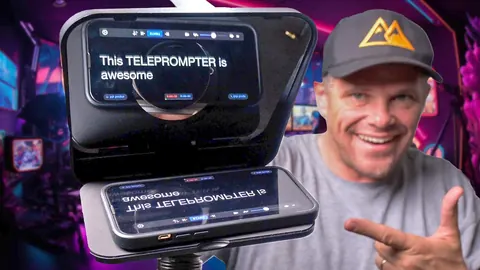
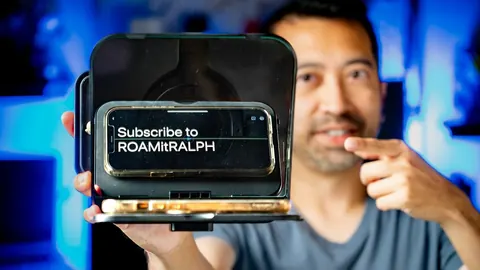
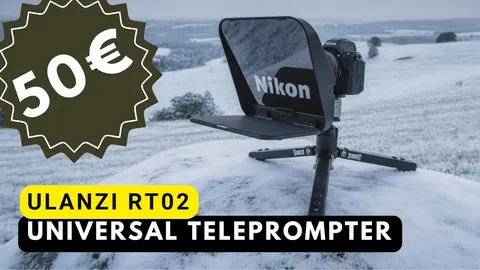
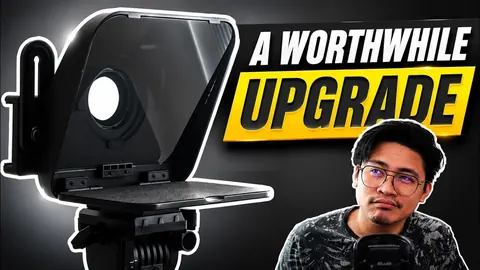
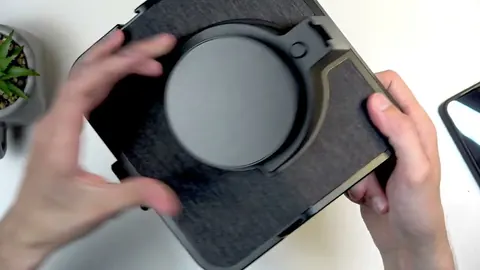
Thumbnails are stored on our site. A video loads from YouTube only when you press play.
Where to buy
Amazon sells the RT02 in most European countries. In the US, it is sold on Amazon by an importer and takes longer to arrive.
Opens Amazon in your country: amazon.fr, amazon.de, amazon.pl, amazon.es and more.
As an Amazon Associate we earn from qualifying purchases.
About our reviews and guides: they bring together the makers' specifications and independent video and written reviews, checked on 20 October 2026. We haven't tested these products ourselves.
Frequently asked questions
Does the Ulanzi RT02 work with a tablet?
Only small ones: it takes phones and mini tablets up to 6 inches. For an iPad, look at a 12-inch teleprompter such as the NEEWER X12B.
Can I film with my phone through the RT02?
Yes. The quick-release holder takes phones 55 to 80 mm wide behind the glass, and a second phone or a tablet up to 6 inches shows the script.
Which app works with the Ulanzi RT02?
Any teleprompter app that can mirror the text. EasyPrompter does it for free in the browser and in the iPhone, iPad and Mac apps.
What if my lens is 52 mm?
The RT02 comes with 58, 67, 72, 77 and 82 mm rings. For a smaller filter thread, add a cheap step-up ring, for example 52 to 58 mm.